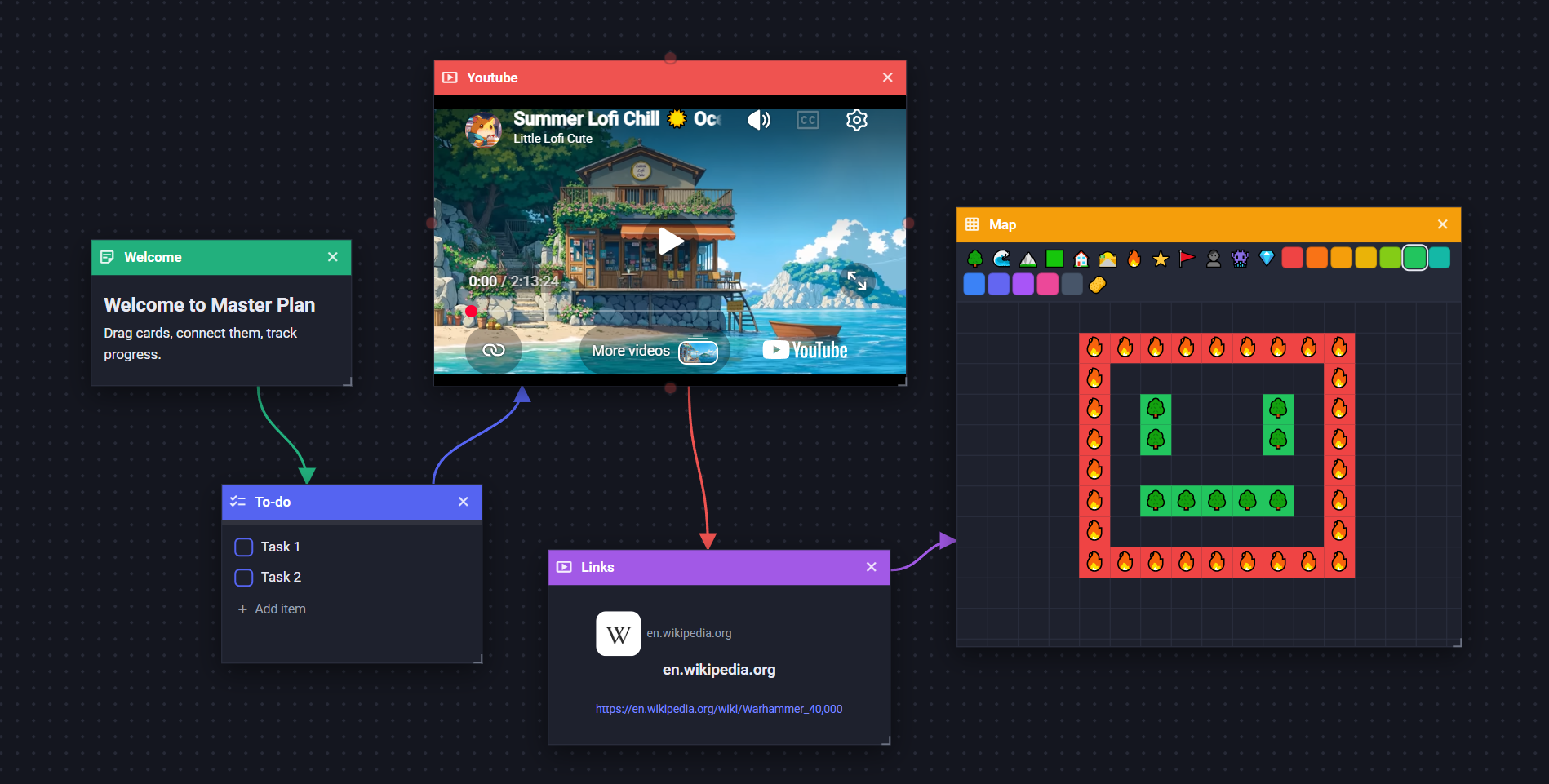
A freeform, card-based planning board. Drop notes, to‑dos, progress trackers, media and tile‑maps anywhere you like, connect them with arrows, and watch completion roll up, right in your browser or as a tiny desktop app.
.mpln files.
A focused set of tools that get out of your way, with no rigid templates and no forced structure.
Pan, zoom and a minimap for navigation. Spread out as much as your project needs.
Drag the side dot from one card onto another to draw a connection. Map dependencies and flow.
Checklists, Kanban boards and the task keeper feed a live completion bar, so status is visible at a glance.
Add the people on your board and assign them to tasks with colour‑coded avatars.
Keep several boards and switch between them: open, create, rename and delete from the Plans manager.
Every change is saved automatically and fully reversible. Nothing to lose.
A crisp light theme and an easy‑on‑the‑eyes dark theme, remembered between sessions.
Boards export as self‑contained .mpln files. Move them anywhere, share, or back them up.
Mix and match whatever fits the idea; they all live happily on the same board.
Markdown notes: headings, lists, links, code. Paste images right in.
To‑do items with a live completion bar, notes and assignees.
Any file: images (draw on them), audio, video and PDFs, with inline players.
YouTube / Vimeo / Steam players, or a rich web‑bookmark tile for any link.
A hand‑typed list of links with names and optional notes. Nothing is fetched.
A spreadsheet‑style grid: type in cells or drop in images, add rows and columns.
Paint grid‑based tile maps with emojis and fill colours.
A multi‑column board with draggable cards and assignees.
Dated tasks with an updates log, important flags and In Progress / Done tabs.
Save colour swatches, copy hex / RGB in a click, and import palettes from Lospec.
A pixel‑art editor with layers, frames and drawing tools. Export the art as a PNG.
Master Plan ships as a lightweight desktop app built on Neutralino, with no Electron and no Node runtime. The whole thing lives in one folder you can copy anywhere and run.
.mpln file next to the appEverything is mouse‑first, with shortcuts when you want them.
The quick facts about how Master Plan works.
Yes. Master Plan is completely free, with no account and no sign-up. Open it and start planning.
No. It runs entirely in your browser. There is also an optional lightweight desktop app for Windows that works fully offline.
Locally. Boards are saved in your browser, or as real files in the desktop app. Nothing is uploaded to a server, and there is no cloud lock-in.
Yes. The desktop app is fully offline, and the web app keeps working without a connection once it has loaded.
Boards export as portable .mpln files that bundle everything, so you can move, share or back them up anywhere.
Eleven: notes (Markdown), checklists, media, embeds, bookmark lists, tables, tile maps, Kanban boards, a task keeper, colour palettes and a pixel‑art editor.
Open a blank canvas and drop your first card. It takes about three seconds.